Graduation Portraits Without the $400 Photographer
Grad week is already expensive. Skip the $400 cap-and-gown studio and get 20 graduation portraits for $19, ready in two minutes — perfect for announcements, frames, and the post-grad LinkedIn refresh.
20 headshots · Ready in 2 minutes · Money-back guarantee



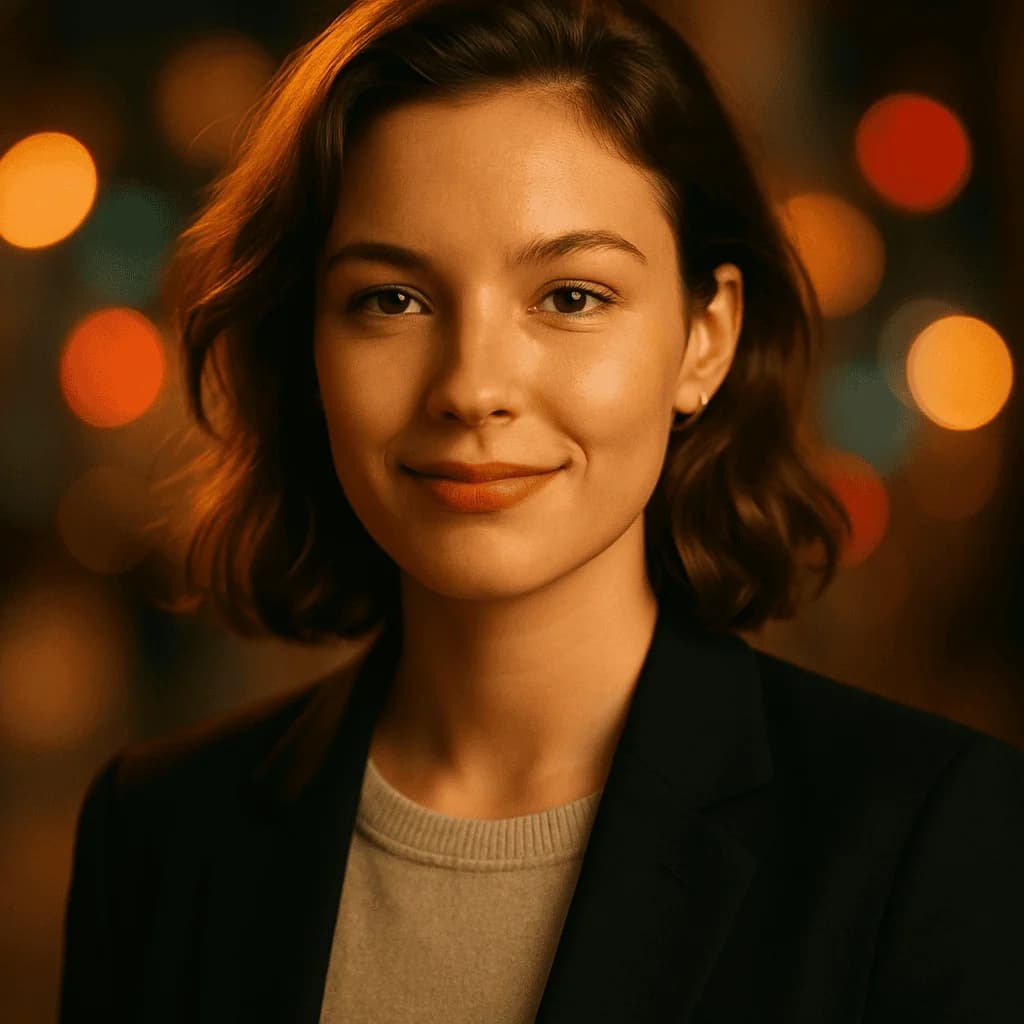
Why graduation professionals choose AI headshots
Studio quality at a fraction of the cost — purpose-built for your field.
Twenty grad portraits for the price of a pizza
Campus photographers charge $200-$500 for a cap-and-gown session and give you 5-10 edited frames. Our $19 pack delivers 20 variations — smiling, composed, with and without the cap — and you're done before the ceremony is over.
Announcement-ready formats
Graduation announcement cards, parent frames, LinkedIn updates, Instagram posts, the university alumni magazine. One $19 pack covers every format the week demands — no coordinating a reshoot when you realize you need a horizontal version.
Skip the 2-hour campus queue
Every university's official grad photographer has a 3-hour wait during grad week. AI generation takes two minutes from a selfie — you can send your announcement photos out before your friends are done standing in line.
The post-grad LinkedIn refresh
Your graduation photo is also your first-real-job profile photo. Our pack includes variations polished enough for your new LinkedIn and tagged-smiling versions for the announcement. One purchase, both milestones covered.
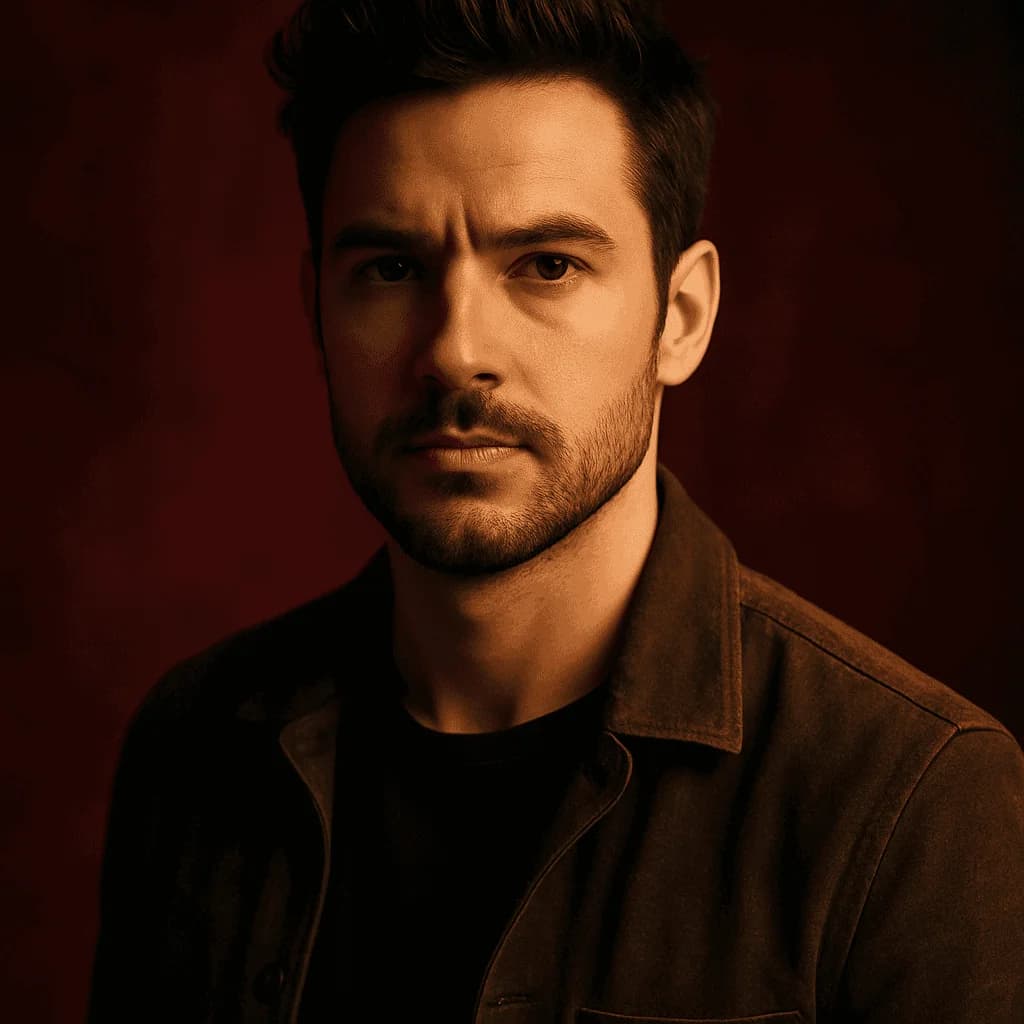
Graduation headshots generated by our AI
Every image below was generated from a single selfie — never photographed.



Graduation week is already a logistics nightmare — ceremony tickets, family in town, the cap-and-gown pickup, the dinner, the after-parties. Somewhere in the middle of all that, you're supposed to get a professional portrait taken for the announcement card and the wall frame your parents are definitely going to want.
The university's contracted photographer has a three-hour queue. The independent grad photographer runs $300-$500. And the photo you actually end up with is one of maybe 4-6 edited frames, all shot in the same pose, all from the same session.
There's a better move.
Why your graduation portrait actually matters
A graduation portrait is a milestone photo — it lands on the wall, in the scrapbook, on the announcement card, and in the group text. It's also, for many students, their first "adult" photo. Unlike a yearbook shot or a casual grad selfie, this is the image that'll sit in the family frame for the next 40 years, and the one you'll look at on your 10th reunion.
That weight doesn't actually require a $500 studio session. It requires a clean, flattering image of you in your cap and gown that looks like the real you on the real day. AI generation hits that bar at $19. Our full breakdown of professional headshot costs explains why the studio-queue math has collapsed for most graduates.
What makes a great graduation portrait
Four elements define a great grad portrait:
- Clean, well-lit face — the whole point of the photo is your expression on the day you finished.
- Cap and regalia framed correctly — not drowning you, not cut off, properly sitting.
- Warm natural expression — a grad portrait is a happy portrait, but not a frozen cheesy one.
- Simple background — campus buildings, neutral backdrops, or soft blur. No cluttered backgrounds competing with the regalia.
Our Casual style nails all four for graduation shots — it reads as a genuine warm moment, not a stiff corporate portrait in a cap.
AI vs. campus photographer for graduation
Campus photographer: $200-$500, 2-3 hour queue during grad week, 5-10 edited frames, single pose, single lighting setup. Output is locked to whatever the photographer decided on the day.
AI grad portrait: $19, 2 minutes, 20 variations, multiple expressions and angles, print-ready resolution. Downside: no physical photographer, no posing direction, no one to tell you the hood is crooked.
For most graduates, the tradeoff leans AI — especially for the announcement card and digital uses. Some families still want the traditional campus photographer shot for the living-room frame, which is a fine tradition. Many graduates do both: campus photographer for the parents' wall, $19 AI pack for everything else (announcement cards, Instagram, LinkedIn, group chat, post-grad job photos). For med students and MD applicants in the graduation window, our ERAS residency headshot page and medical student guidance cover the application-specific specs.
How to use your 20 graduation photos
Different uses want different variations:
- Announcement cards — pick a vertical, warm-smiling variation with clear regalia.
- Parents' frame — the most classical, composed variation from the pack.
- LinkedIn post-graduation update — a cap-off, more professional-looking variation works better here than a full cap-and-gown. If you're doing a full profile refresh for the post-grad job hunt, our LinkedIn headshot page covers the platform-specific framing.
- Instagram graduation post — the most personality-forward variation, maybe laughing or mid-smile.
- Alumni association profile — the straightforward classical variation.
- Yearbook spread if you're submitting late — most university yearbooks accept student-submitted photos; check the deadline. See our yearbook portrait use-case for the exact submission specs.
The 20-variation pack gives you enough options that every milestone photo for the next year comes out of the same $19.
The graduation photo checklist
Before you send anything to the announcement printer or post to Instagram:
- Is the cap sitting correctly (not tilted, not shadowing your eyes)?
- Is your expression warm and genuine, not frozen?
- Does the regalia color match your actual school's (if distinctive)?
- Is the photo high enough resolution for the print size you need?
- Did you pick different variations for announcement vs. LinkedIn vs. frame?
- Does it look like you — recognizable to your family on first glance?
If yes to all six, you have a graduation photo set your parents will frame and your future self will still want to look at.
Who this is for
Graduating high school seniors, college seniors, and graduate students (MA, MS, JD, MBA, PhD) who want a quality graduation portrait without the campus-photographer queue or the $500 independent session. Especially useful for: students whose ceremony is virtual or hybrid, students whose university photographer booked out, international students who want multiple versions for family abroad, and anyone refreshing their LinkedIn immediately post-graduation. Our guide on how to take a perfect selfie for AI headshots covers the lighting and framing that turns a good reference photo into a great grad portrait.
Twenty casual-style variations, $19, ready in two minutes. The announcement card goes out tonight.
Your Graduation headshots are 2 minutes away.
20 headshots. 2 minutes. $19 one-time.
Generate My Headshots — $19From selfie to studio in 2 minutes
1. Upload a selfie
One clear, well-lit selfie is all we need. We validate face, lighting and resolution instantly.
2. Pick your style
Corporate, Startup, Creative or Casual Pro. We recommend one best suited to your profession.
3. Get 20 headshots
Our AI generates 20 variations in under 2 minutes. Download the ZIP or pick individual shots.
Tips — Graduation photos
- Upload a selfie where your full face is visible and well-lit — no cap or gown in your reference photo.
- Request a mix of cap-on and cap-off variations so announcement cards and LinkedIn both work from the same pack.
- Solid colored top under the gown — white, cream, or light pastel reads best under most academic regalia.
- Natural smile, not a forced toothy grin — grad portraits are warm, not cheesy yearbook-cheesy.
- Pick the Casual style — it reads as a genuine life moment, not a corporate headshot in regalia.
- Shoot your reference selfie outdoors in even natural light if possible — it gives the AI cleaner data to work from.
- Don't wear heavy makeup or glam styling for the reference — grad portraits look best with natural, everyday styling.
Common mistakes in Graduation headshots
What to avoid so your AI-generated shots don't scream "taken with a webcam in 2017".
Uploading a nighttime selfie as the reference
Bad lighting in your reference photo limits how good the generated portrait can be. Shoot your reference in good daytime light — near a window or outside in open shade — so the AI has clean data to preserve your actual features.
Sending the wrong aspect ratio to the announcement printer
Graduation announcements use specific crops — usually vertical portrait or square. Don't pick a horizontal variation as your main announcement photo and then scramble to recrop. Plan the format before you lock the image.
Over-styled hair and makeup
Grad portraits aren't prom photos. Heavy glam reads aged and dated in a few years — the photo you'll want on your wall is the one that looks like you actually looked that day.
Using the grad gown color wrong
Most universities have specific regalia colors. If your AI portrait generates a generic black gown but your school's color is purple or red, it'll look off to anyone who recognizes the discipline. Pick the gown-neutral variations for announcements if your university has unusual regalia.
Graduation headshots — questions answered
Will my school or university accept AI graduation photos?+
For personal announcements, LinkedIn, and social media — absolutely, they're your photos and you can use them anywhere. For the official university yearbook or formal academic records, check with your registrar — some universities require their contracted photographer's images for official records. AI photos are for your personal use around the milestone.
Can I get my cap-and-gown photo without an actual cap and gown?+
Yes. Our AI can render cap, gown, and tassel on your generated portrait. Just pick the graduation-styled variations in your pack. The regalia styling works best for generic black gowns — if your discipline uses colored regalia, request multiple variations so you can pick the closest match.
How fast will I get my graduation portraits?+
Under 2 minutes from payment. Twenty variations delivered via email — ready for the announcement printer, the frame shop, and your LinkedIn the same day.
Can I include family members in the portrait?+
Not in one image — our AI works from a single person's reference selfie. If you want a family grad photo, use our AI for your solo announcement portrait and take real phone photos with family at the ceremony itself.
Will the graduation photo look real or obviously AI?+
With the right reference selfie, the output is indistinguishable from a campus photographer's work to anyone who isn't looking for AI artifacts. Use a well-lit reference photo, pick the natural-looking variations, and the result is a genuine-looking portrait.
Can I print these for framing or announcement cards?+
Yes. The images are delivered at print-ready resolution. They'll print cleanly at 4x6, 5x7, 8x10, and most announcement card sizes. For extra-large prints (16x20+), check the resolution before ordering.
What if my school's gown color is unusual?+
Specify your school colors when selecting your pack variations, or request a neutral-background version you can edit. For schools with unusual regalia (law school red, medical school white, hood colors), we recommend a mix of cap-only and full-regalia variations so you have options.
Is this OK to use for my graduation Instagram post and LinkedIn?+
Yes. These are your photos — use them on Instagram, LinkedIn, your alumni page, the university magazine, anywhere. Many graduates use the AI pack for announcements and updates and leave the campus-photographer shot for the parents' wall.
Is my photo kept private?+
256-bit SSL in transit, encrypted at rest, auto-deleted after 30 days. Your selfie never gets used for training or shared with anyone.
What's the refund policy?+
7-day money-back guarantee. We'll also regenerate the full pack once for free if the graduation regalia or styling doesn't land on the first run.